Americas

United States
Puerto Rico

Europe

Denmark
Germany
Ireland
Norway
Poland
Sweden
United Kingdom
Spain

Americas

United States
Puerto Rico

Europe

Denmark
Germany
Ireland
Norway
Poland
Sweden
United Kingdom
Spain

My Opayo

Customer Centre

Settings

Transaction

Troubleshooting

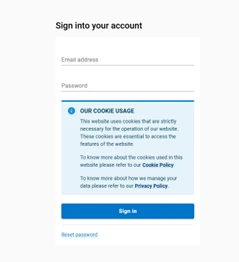
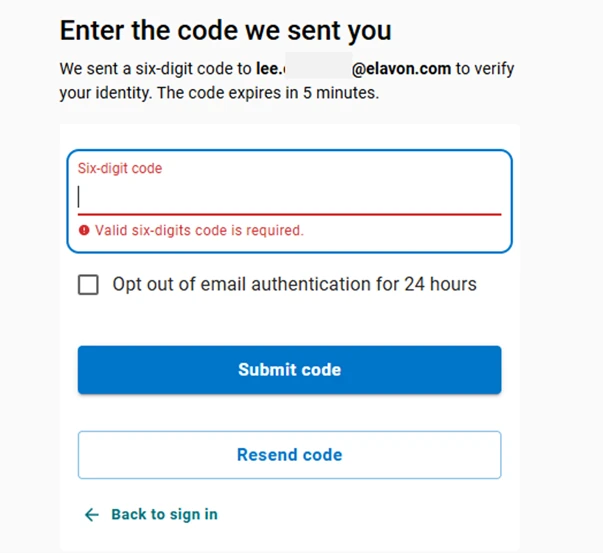
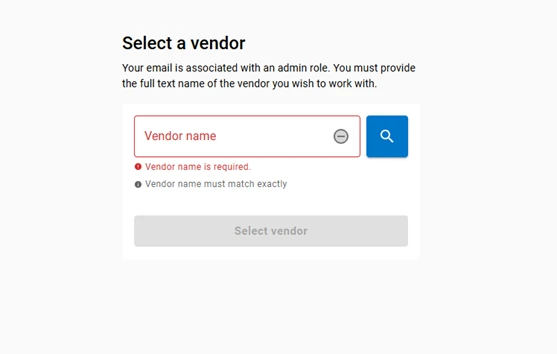
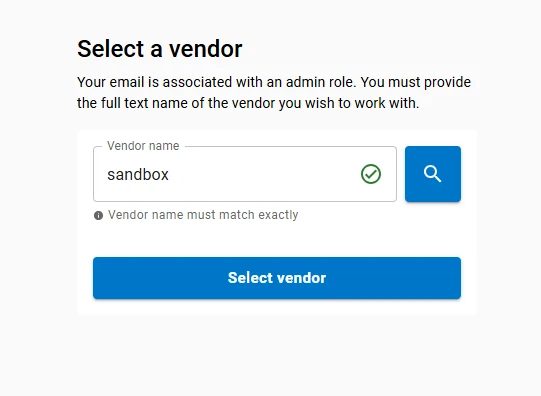
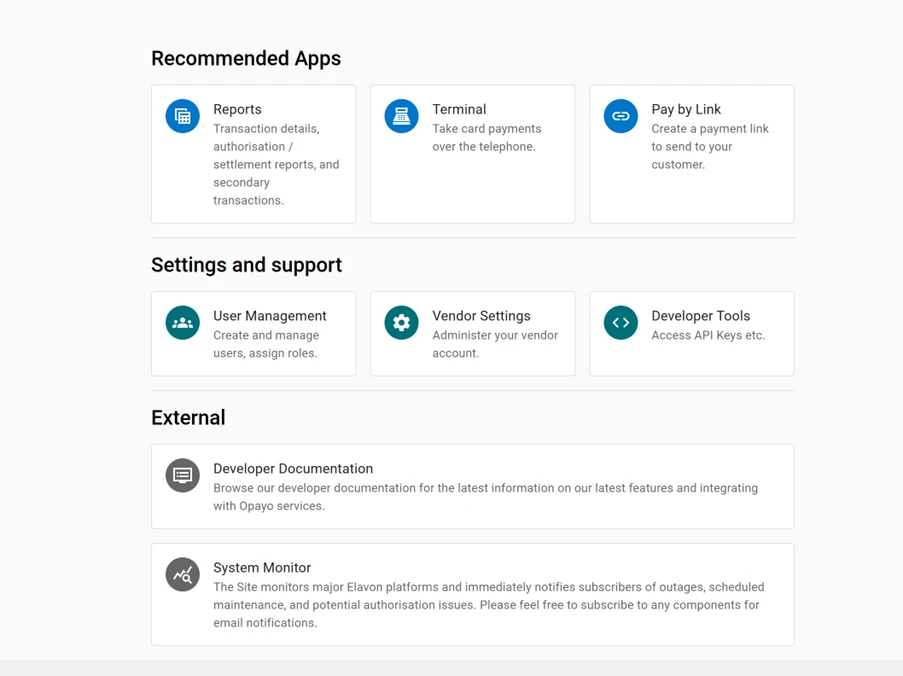
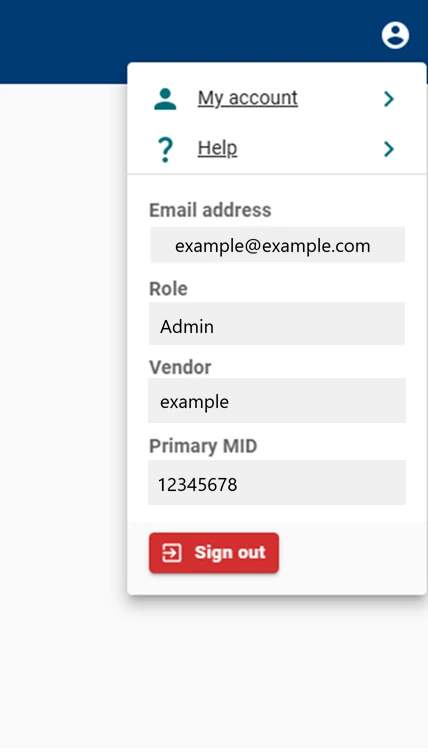
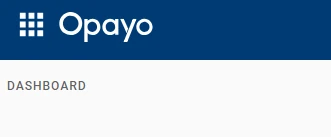
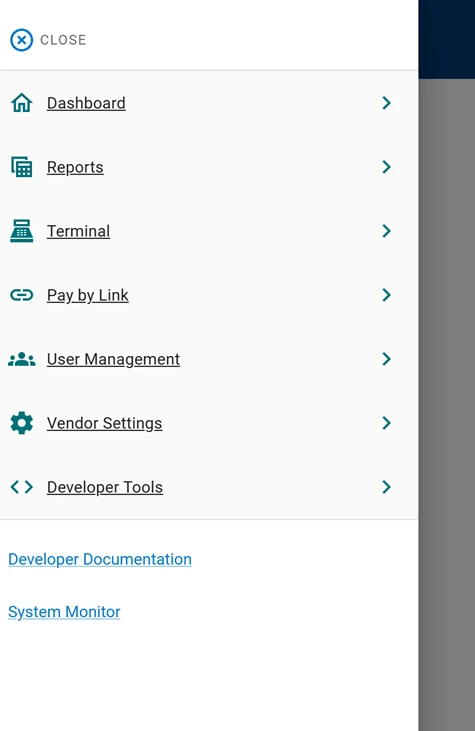
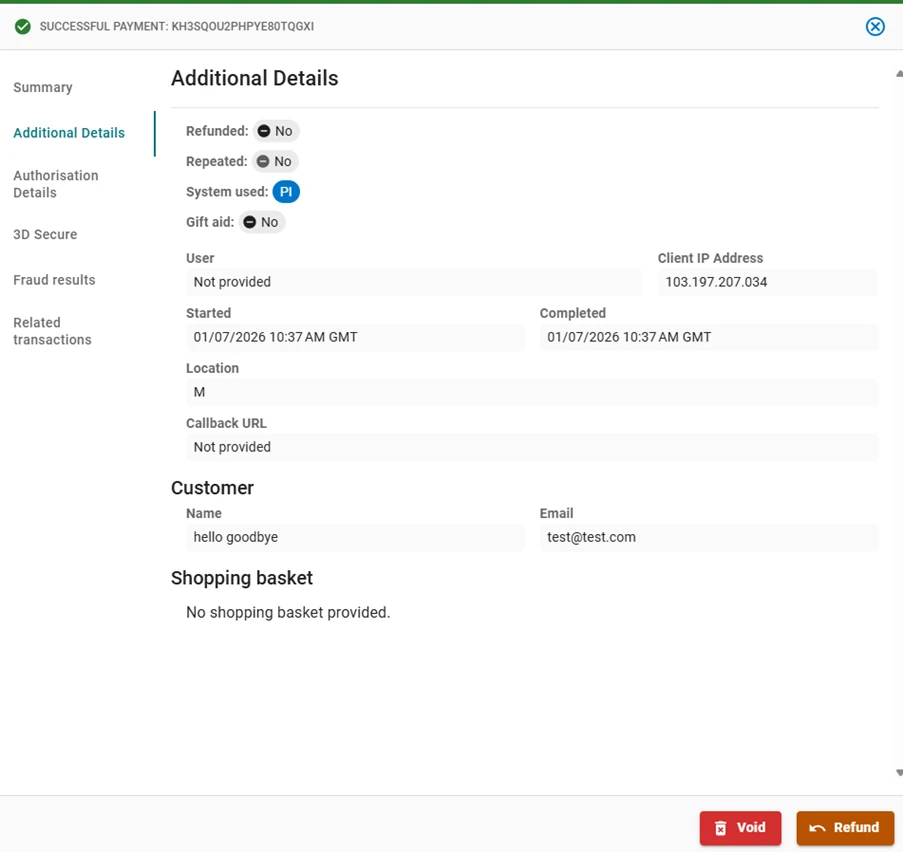
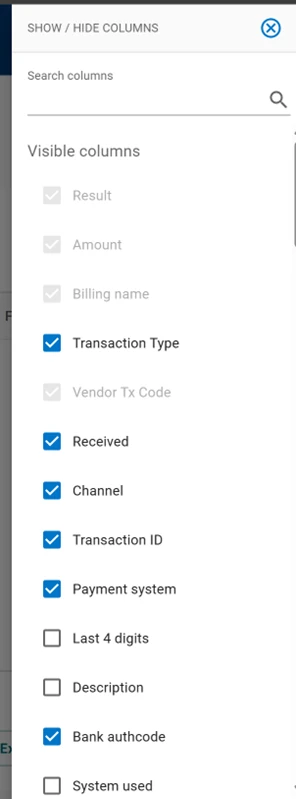
Signing in, how to access MyOpayo, main dashboard and side menu

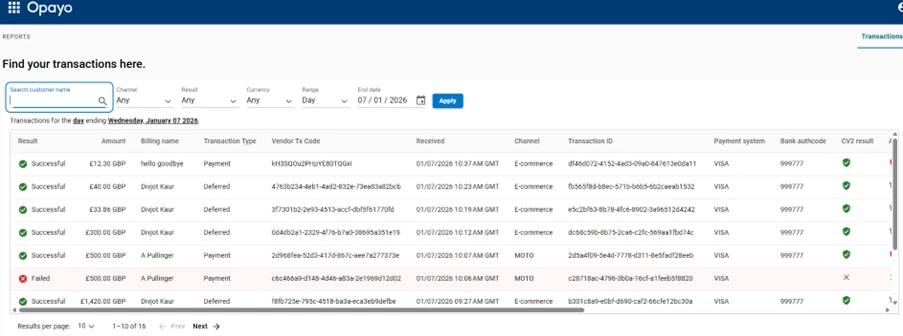
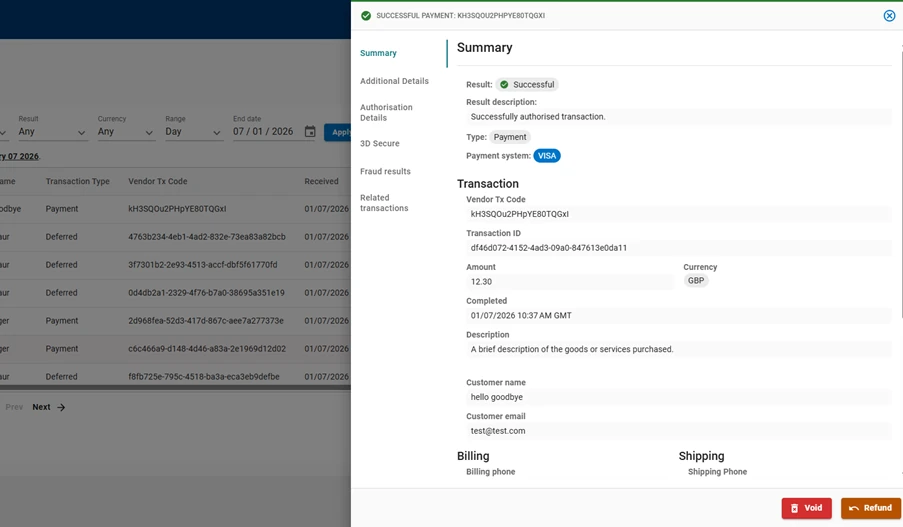
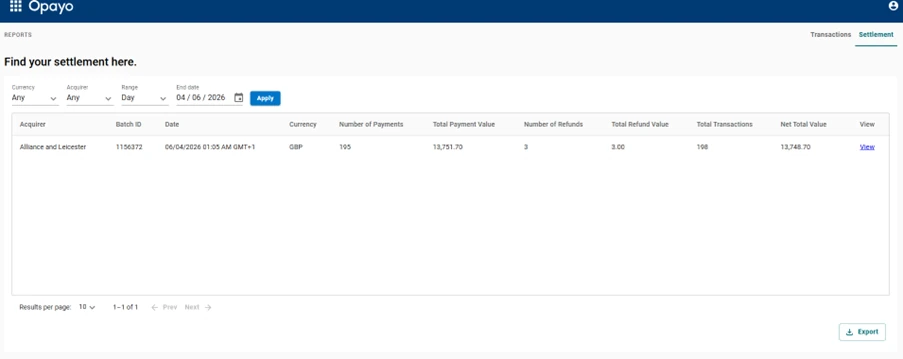
Reports

The main transactions or settlement information can be selected.

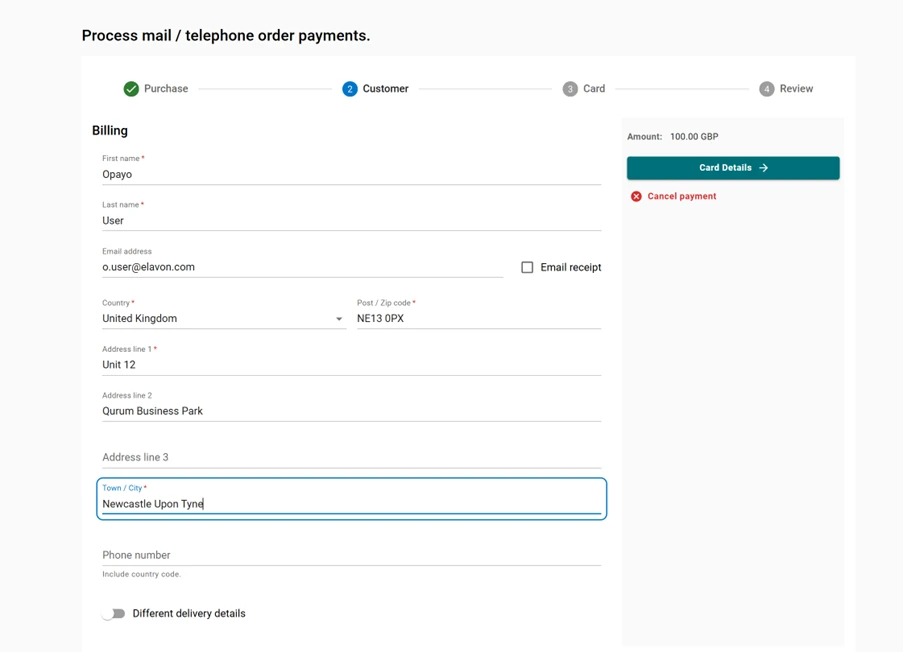
Terminal

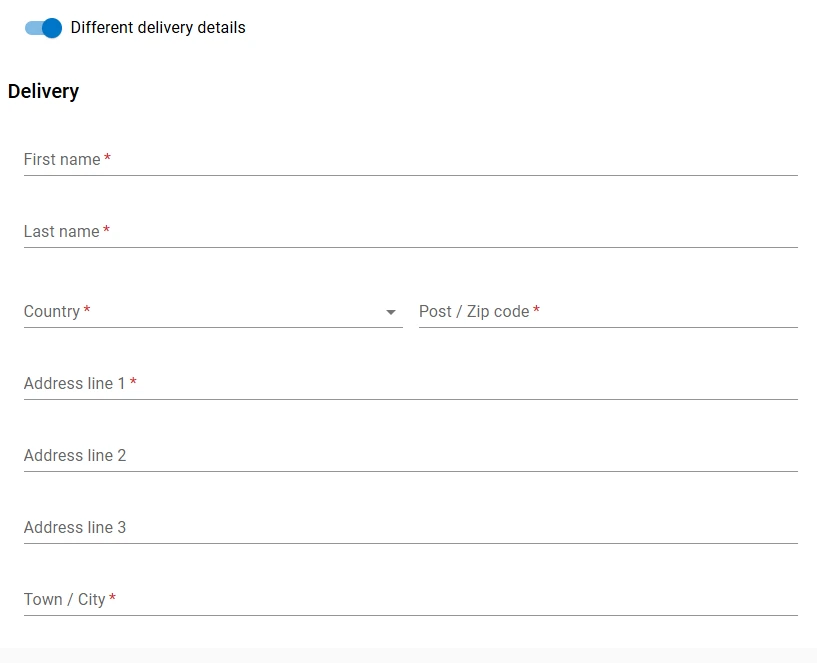
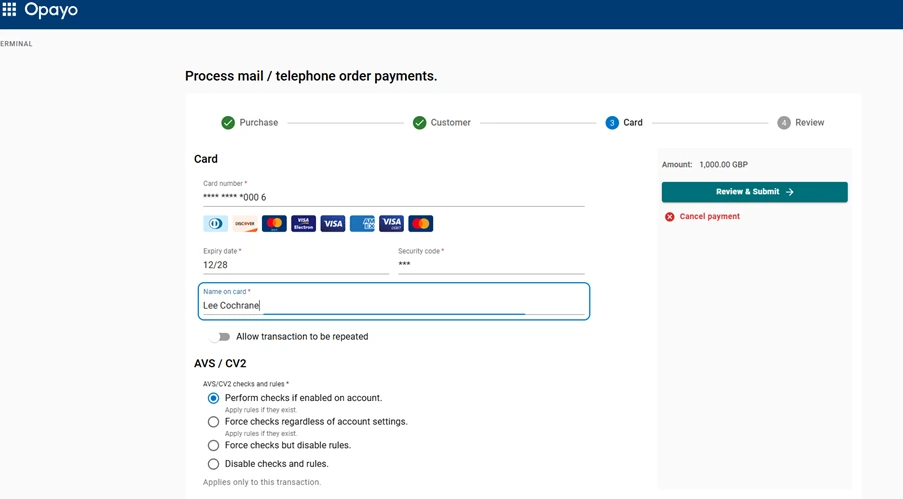
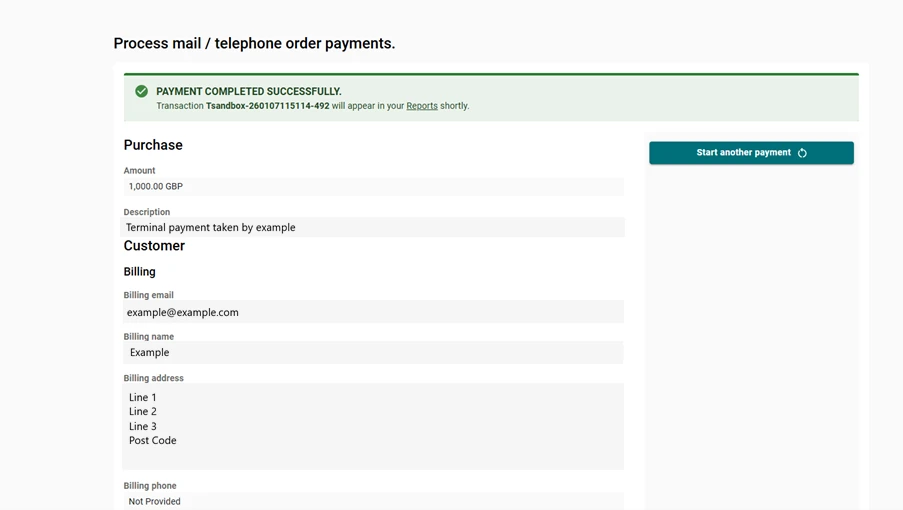
The ‘Terminal’ section of MyOpayo is where MOTO (Mail Order Telephone Order) payments can be processed.

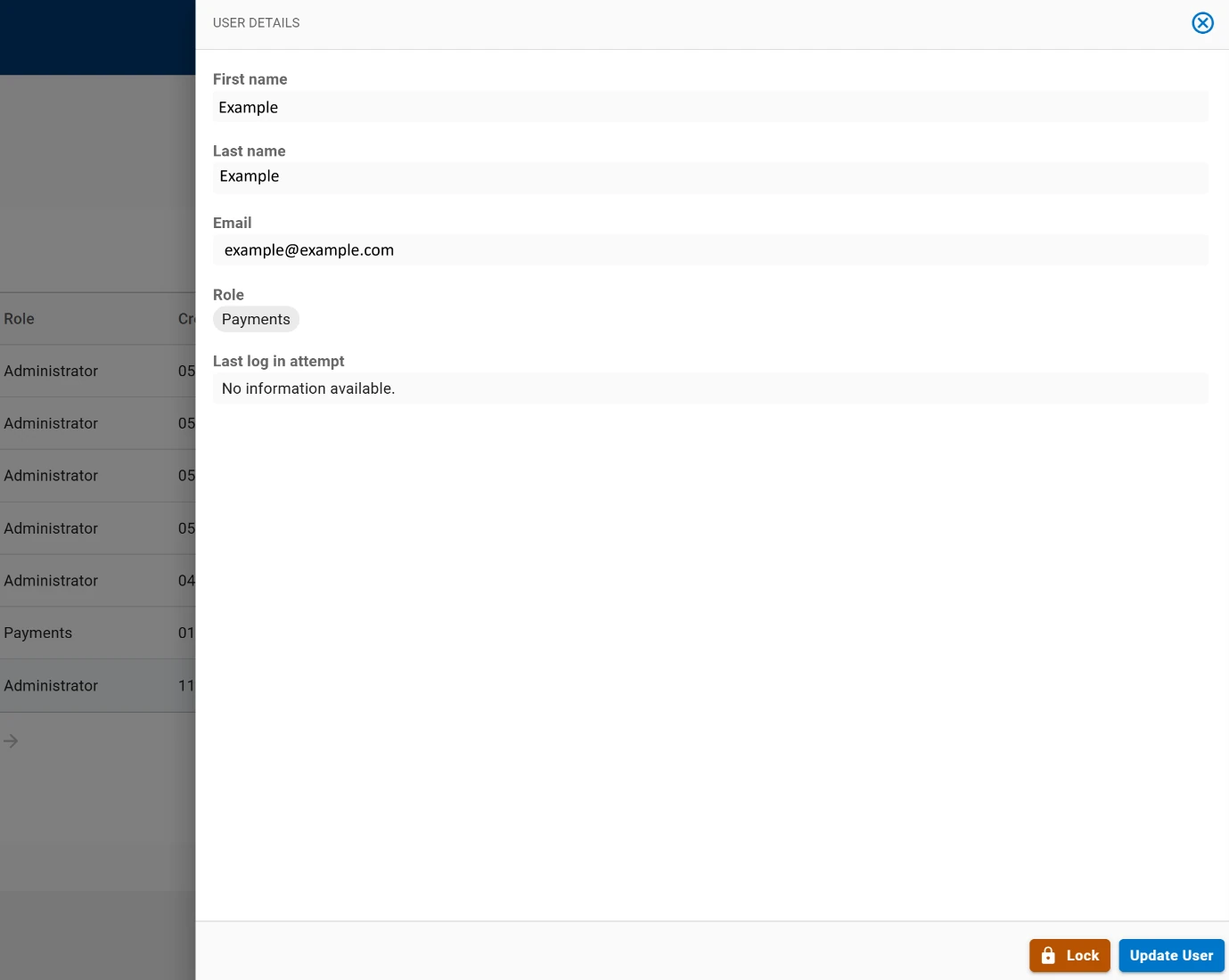
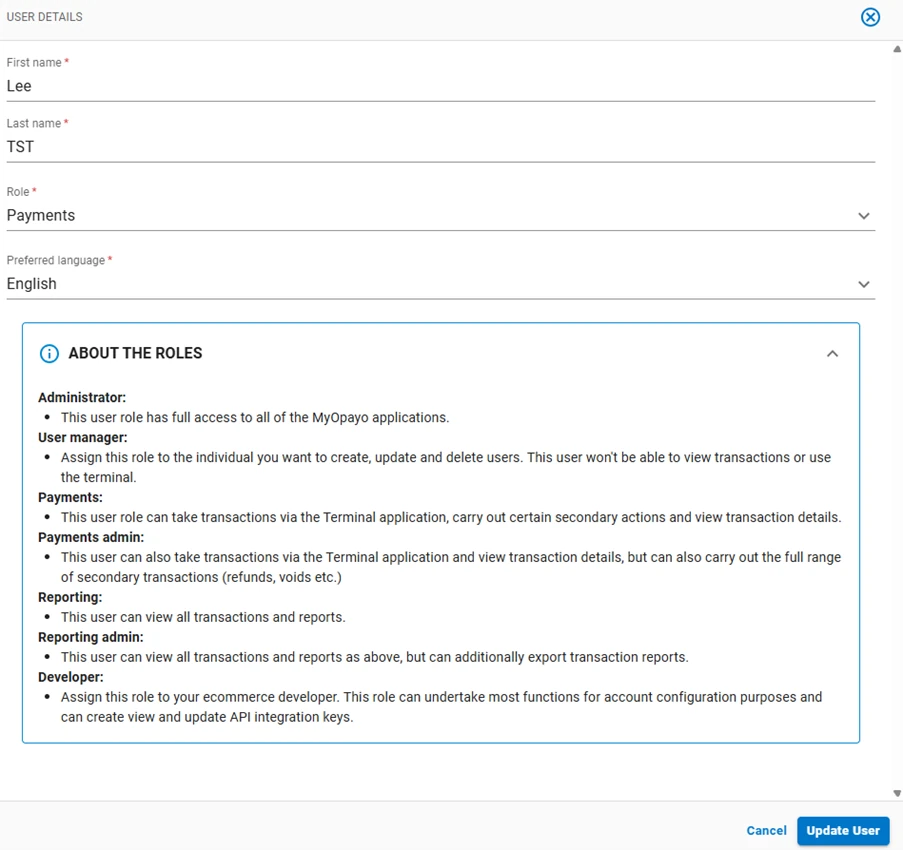
Users

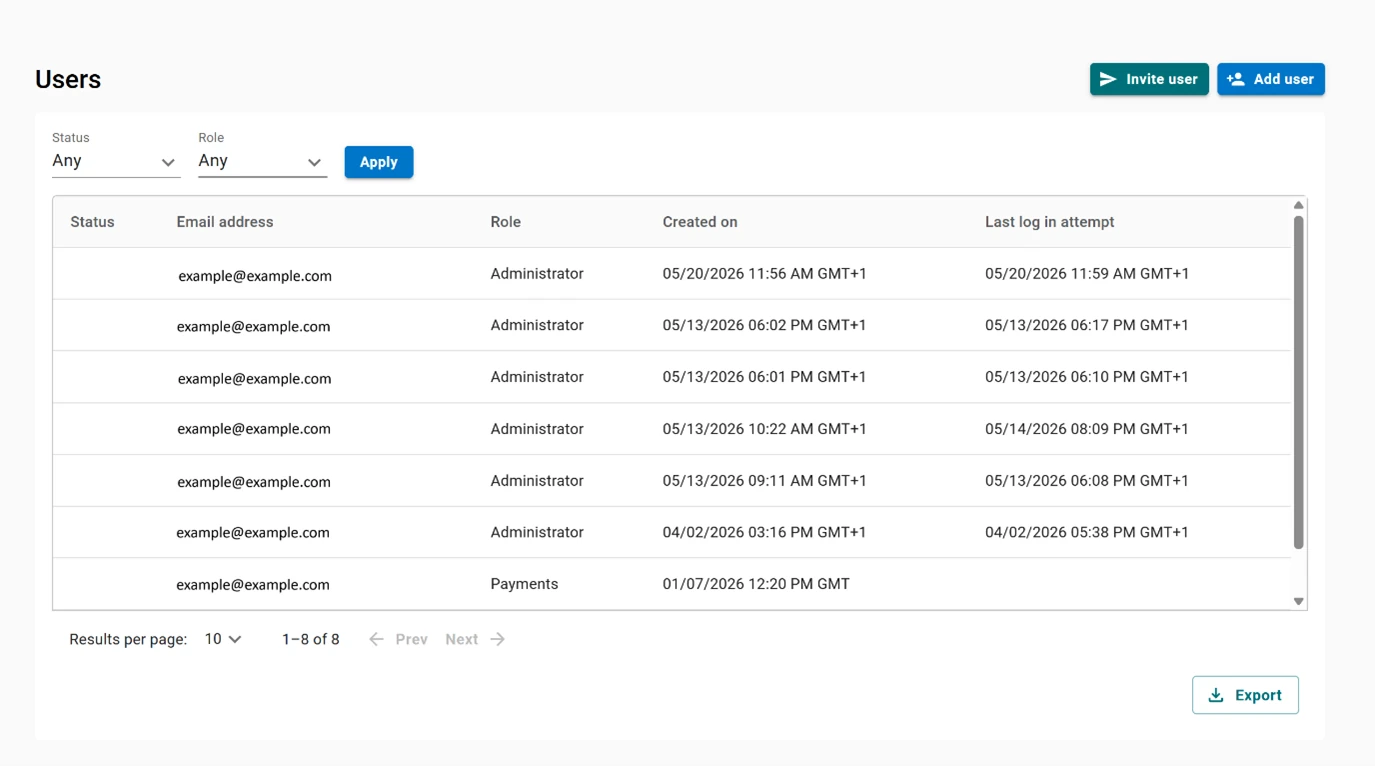
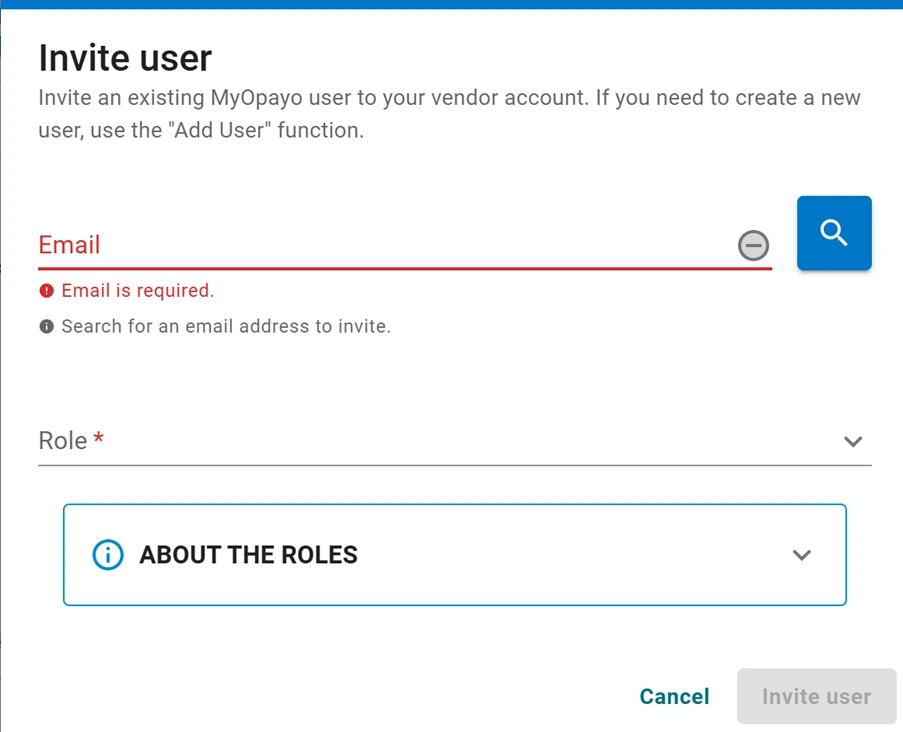
The User section is where new users can be created with the ‘Add User’ button or invite existing MyOpayo users via ‘Invite User’. This is also is where you can control who has access to MyOpayo for the vendor account.

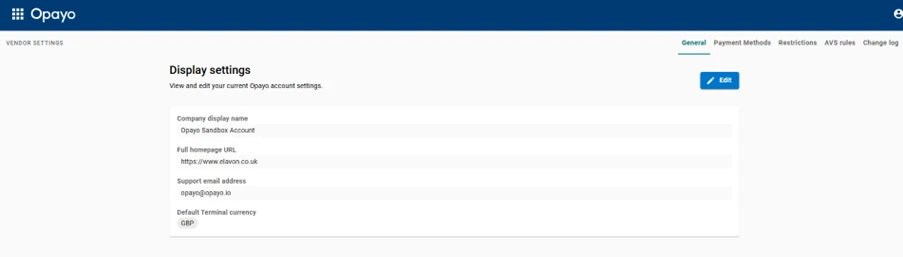
Vendor Settings

This area of MyOpayo allows you to change the following details:
Company display name - This is for any integration that uses the Opayo Hosted payment pages.
Full homepage URL - This is a record of your current website domain and requires you to include ‘https://www…’ when entering (e.g. ‘https://www.example.com’).
Support email address - This email address will be used for the Pay-by-link system to send you a confirmation email when a transaction is processed via the link.
Default Currency - Here you can set the currency initially displayed when accessing the ‘Terminal’.

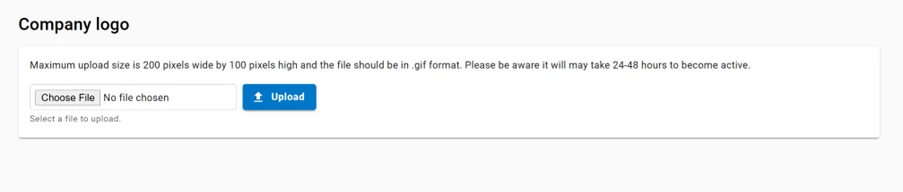
If you use an Opayo Hosted Payment Page, you can provide a small logo that can be used on that page next to the company display name.

Developer tools

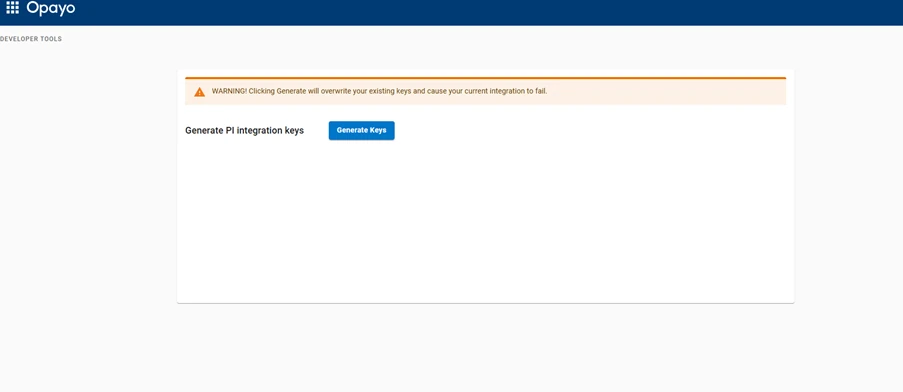
This currently allows the user to generate the API Key and Password. Generating any API credentials will delete any existing credentials, so any existing integration using PI will need to be updated to prevent transaction failure.

On this page

Elavon Terms of Service UK

Domestic and Multinational Customers

UK Operating Guide

The point-of-sale procedures

Opayo Merchant Terms & Conditions

(Opayo gateway only)

  • Qty:

    X

    Delete Product